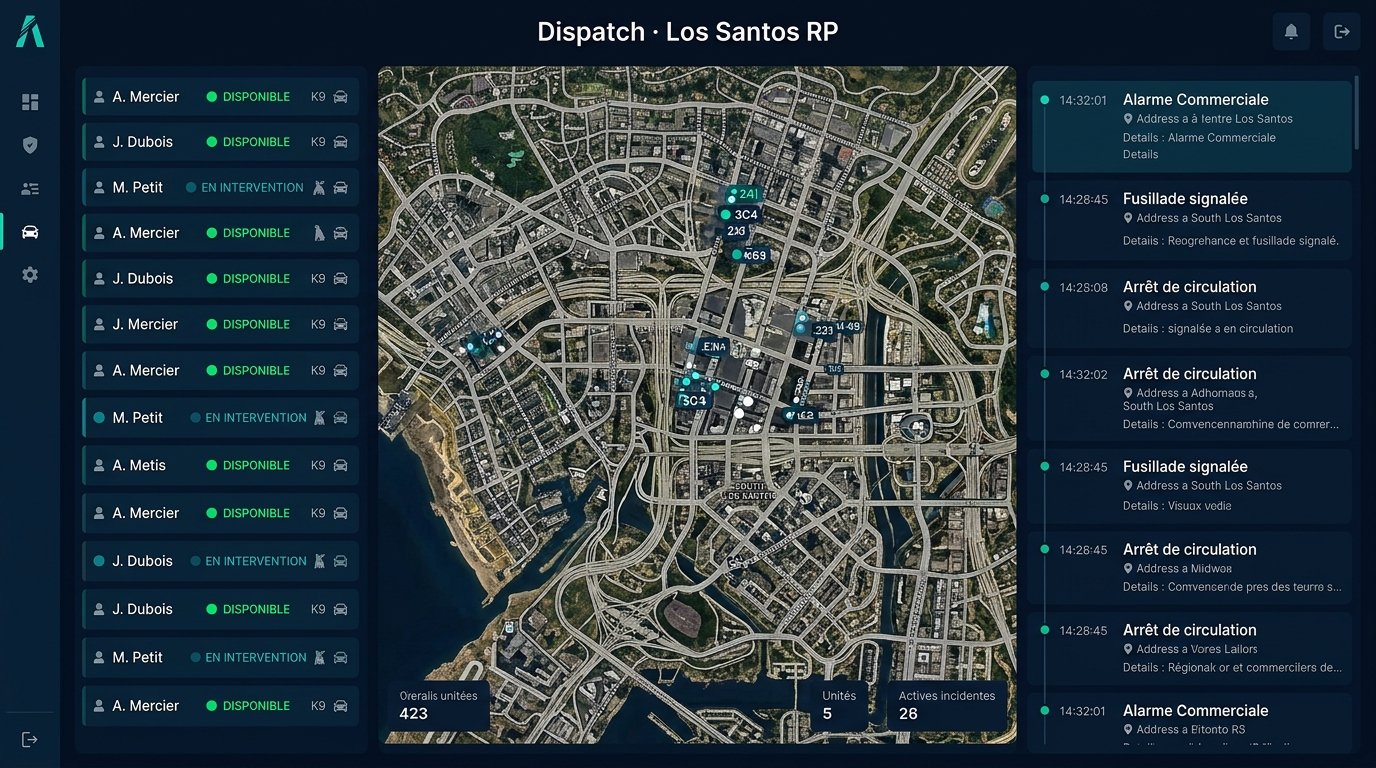
Path › Guides › RP whitelist

Set up an effective RP whitelist

Form, interview, decision and follow-up: how to organize a whitelist that stays clear for applicants and for staff.

TypePractical guide
Reading time5 minutes
LevelBeginner
Set up an effective RP whitelist
RP whitelistGuide
In the panelExample
Games
FiveMFiveMRedMRedMMinecraftMinecraftGTA VGTA San AndreasGarry's ModHytaleRobloxDayZHabboSCUMGTA 6 soonCustom games
Technologies
{ }REST API↯WebhooksdbMySQLdbMariaDBdbPostgreSQL{}MongoDB · NoSQLdbRedis#Discord↗Game-rank.com⇄Game bridge

What you manage · RP whitelist

The form

Useful questions

Ask about the character, not just the rules.

The form
Character backstoryRequired
Field

Useful questions
The interview

Short and structured

A ten-minute interview is often enough to assess how well someone understands roleplay.

The interview
Interview10 minutes
Scheduled
Short and structured
The decision

Accept, refuse, postpone

Each decision is recorded with its author and reason.

The decision
DecisionAccepted
Tracked
Accept, refuse, postpone
Tracking

Applicant status visible

Applicants see where their application stands, without chasing the staff.
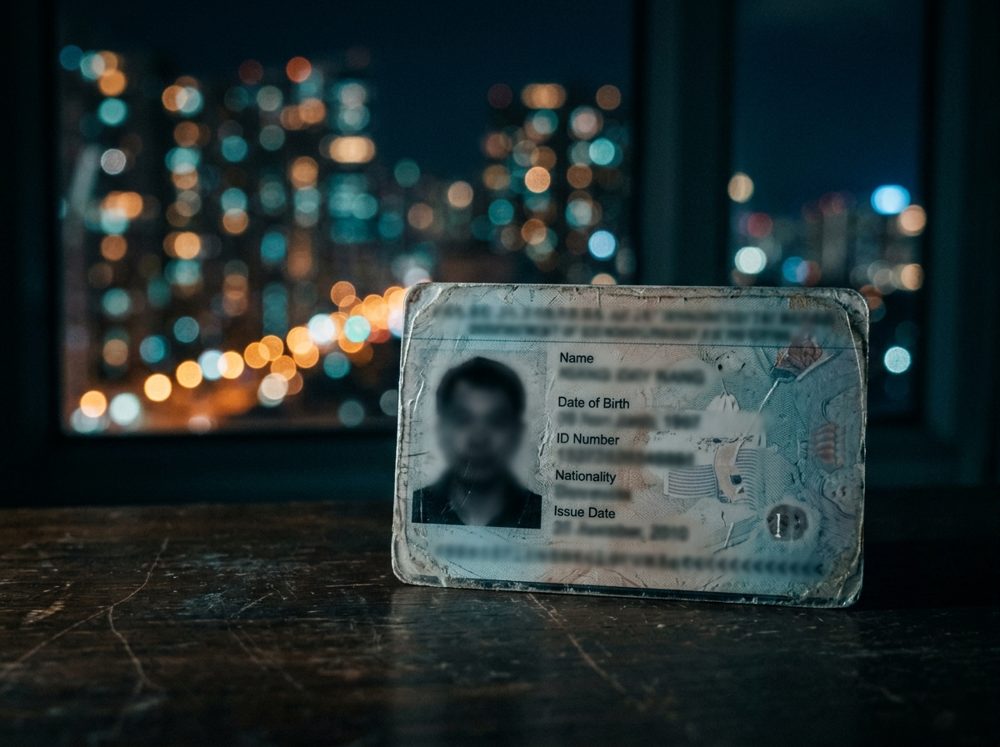
Tracking
StatusIn interview
Visible
Applicant status visible

Setup

In four steps

01

Write the form

Useful questions.

02

Schedule the interviews

Time slots.

03

Decide

With a reason.

04

Inform

Visible status.

Style

In the style of your game

The path picks up the identity of the theme chosen for your server.

The path picks up the identity of the theme chosen for your server.

FAQ

Frequently asked questions

Hover over a question.

01How many questions?+

A few are enough, well chosen.

02Do I need a voice interview?+

It's a server choice.

03Can I refuse without explaining?+

It's better to give a short reason.

Move on to setup.

Free to start.