Your needs
Staff, jobs, sites
List what you manage today in spreadsheets and Discord channels.
Your needs
NeedsWhitelist, sanctions
Listed
The questions to ask: data, permissions, public sites, Discord integration and how your server will grow.
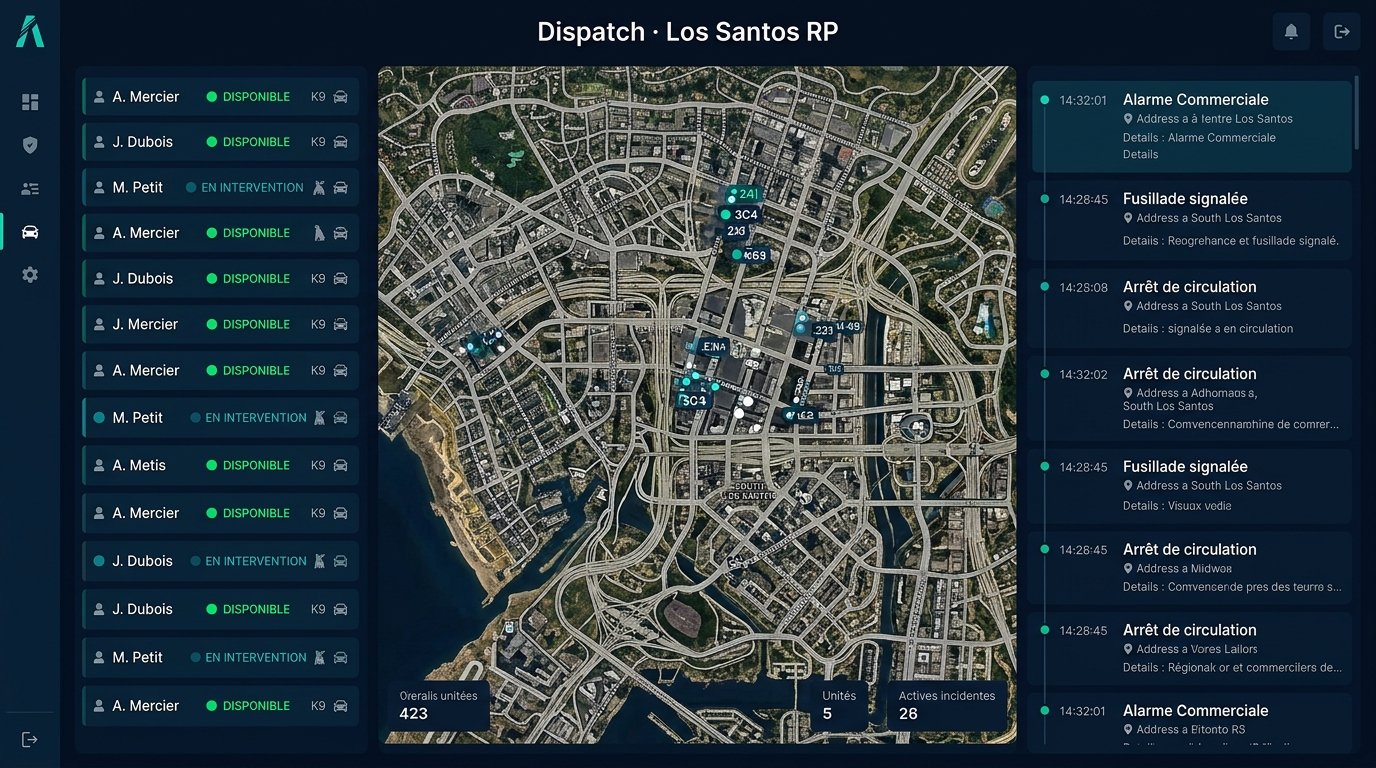
 FiveM
 RedM
 MinecraftGTA VGTA San AndreasGarry's ModHytaleRobloxDayZHabboSCUMGTA 6 soonCustom games
List what you manage today in spreadsheets and Discord channels.
Check where the data is hosted and whether each server is isolated from the others.

A good panel lets you limit each role to what it needs.
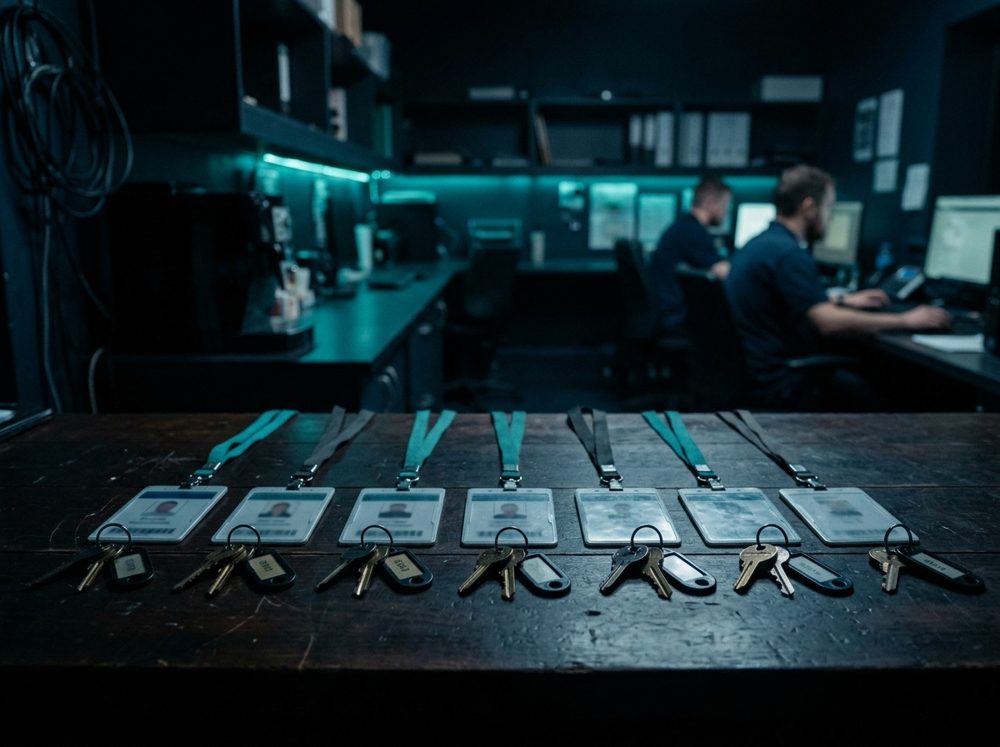
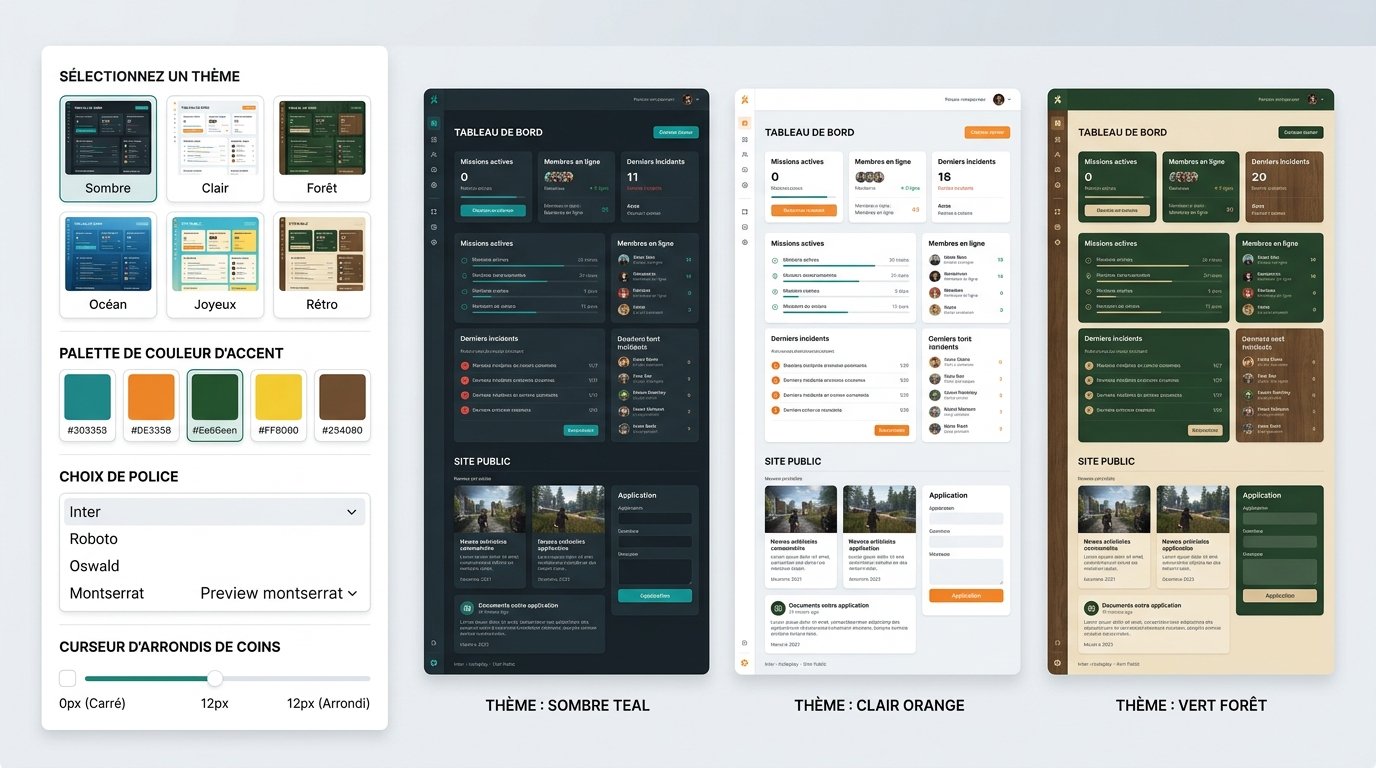
Check that the panel can keep up with your server: themes, job sites, integration.
Setup
Staff, jobs.
Isolation.
By rank.
Themes, API.
Style
The path picks up the identity of the theme chosen for your server.
Other topics
FAQ
Hover over a question.
It's possible but costly: better to choose well.
For a small server, yes, until the staff grows.
Permissions, log, themes, integrations.