Path › View by role › Player

What the player sees

A player sees their profile, bank, vehicles and the town's public sites. Nothing related to the staff.

JourneyPlayer
PermissionsBy rank
DataOne database per server
What the player sees
My profileNolan Lavigne
My notificationsRecent
Games
FiveMFiveMRedMRedMMinecraftMinecraftGTA VGTA San AndreasGarry's ModHytaleRobloxDayZHabboSCUMGTA 6 soonCustom games
Technologies
{ }REST API↯WebhooksdbMySQLdbMariaDBdbPostgreSQL{}MongoDB · NoSQLdbRedis#Discord↗Game-rank.com⇄Game bridge

What you manage · Player

Profile

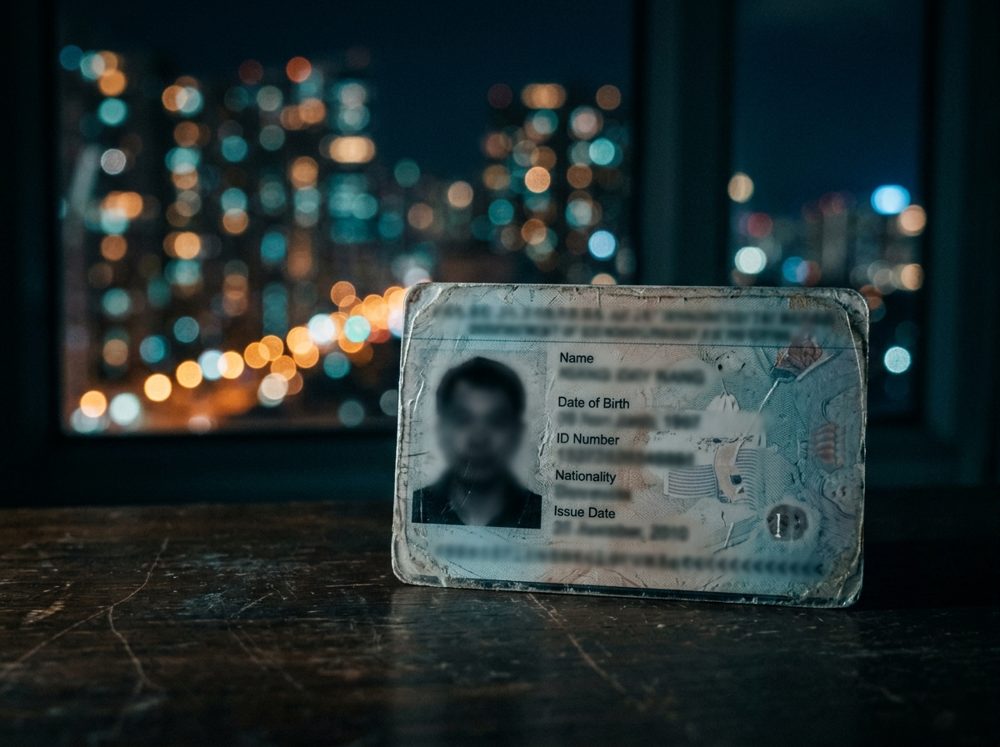
ID card and rank

The player finds their identity, job and rank. They edit what the staff allows them to edit.

Profile
NameNolan Lavigne
Profile
JobMechanic
Profile
ID card and rank
Assets

Bank, vehicles and properties

Balance, transactions, vehicles and homes appear in a single interface.

Assets
Checking account12 480 $
Up to date
Sultan RSNorth garage
Out
Bank, vehicles and properties
Town

Public sites and applications

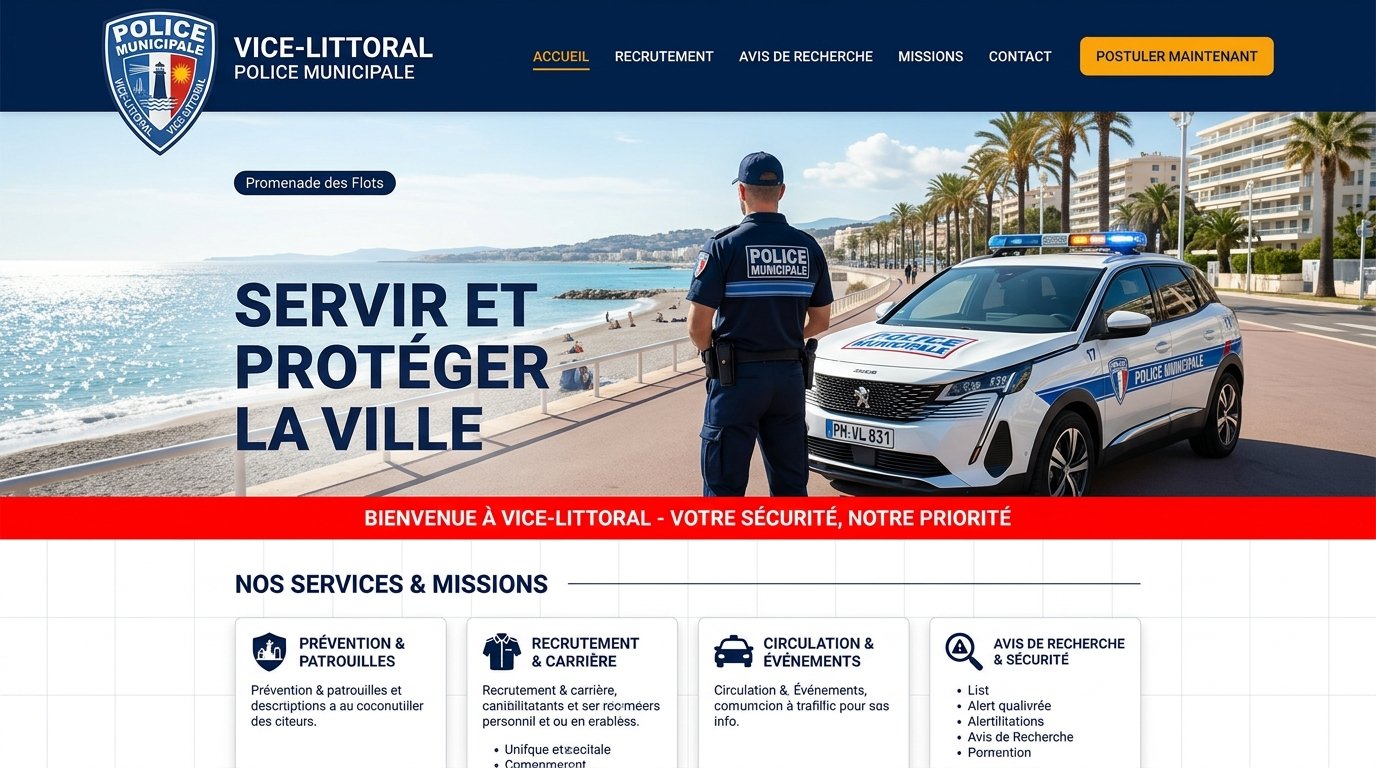
The player browses the town's sites, applies for a job and follows their application.
Town
City policeOfficer application
Interview
North garageMechanic application
Accepted
Public sites and applications

Setup

In four steps

01

Open the panel

From the game or the site.

02

Check your profile

Identity and rank.

03

Apply

For a job.

04

Track your assets

Bank and vehicles.

Style

In the style of your game

The path picks up the identity of the theme chosen for your server.

The path picks up the identity of the theme chosen for your server.

FAQ

Frequently asked questions

Hover over a question.

01Does the player see other people's sanctions?+

No. They only see their own if you allow it.

02Can they edit their profile?+

The fields you open up.

03Do they need a separate account?+

They log in with their own account.

Move on to setup.

Free to start.