Path › RedM › Discord

Discord: roles, applications and announcements

Panel ranks and Discord roles stay aligned, with a channel plan designed for the frontier.

RolesSynced
ApplicationsIn the panel
AnnouncementsFrom the panel
Discord: roles, applications and announcements
Role syncConnected
Discord eventsLive
Games
FiveMFiveMRedMRedMMinecraftMinecraftGTA VGTA San AndreasGarry's ModHytaleRobloxDayZHabboSCUMGTA 6 soonCustom games
Technologies
{ }REST API↯WebhooksdbMySQLdbMariaDBdbPostgreSQL{}MongoDB · NoSQLdbRedis#Discord↗Game-rank.com⇄Game bridge

What you manage · Discord

Roles

The rank changes, the role follows

Promote a deputy in the panel: their Discord role is updated.

Ranks and roles
SheriffLinked role
Linked
DeputyLinked role
Linked
The rank changes, the role follows
Announcements

One announcement, two places

Publish on the town website and in the Discord channel at once.
Announcement
Saturday marketChannel #ville
Sent
One announcement, two places
Plan

Channels suited to the mood

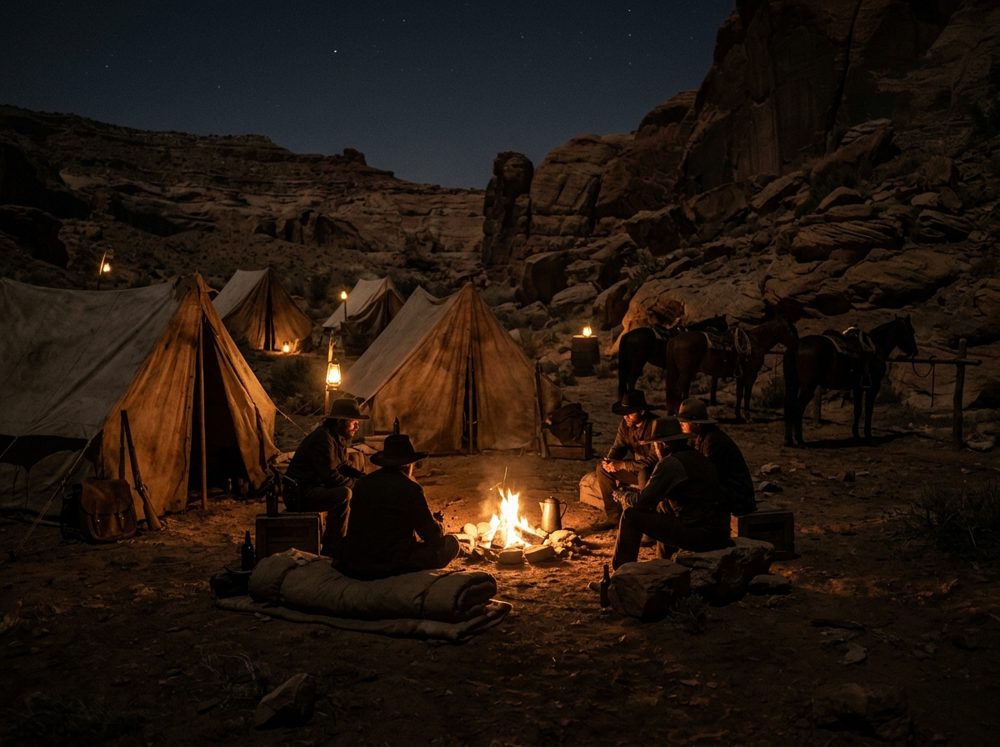
A template plan for RedM: town, saloon, sheriff's office, gang camps.
Server plan
TOWN# annonces · # marché
2 channels
LAW# shérif · # mandats
2 channels
CAMPS# bandes
1 channel
Channels suited to the mood

Setup

In four steps

01

Authorize the bot

From the panel.

02

Link the roles

One role per rank.

03

Choose the channels

Announcements and logs.

04

Test

A promotion.

Style

In the style of your game

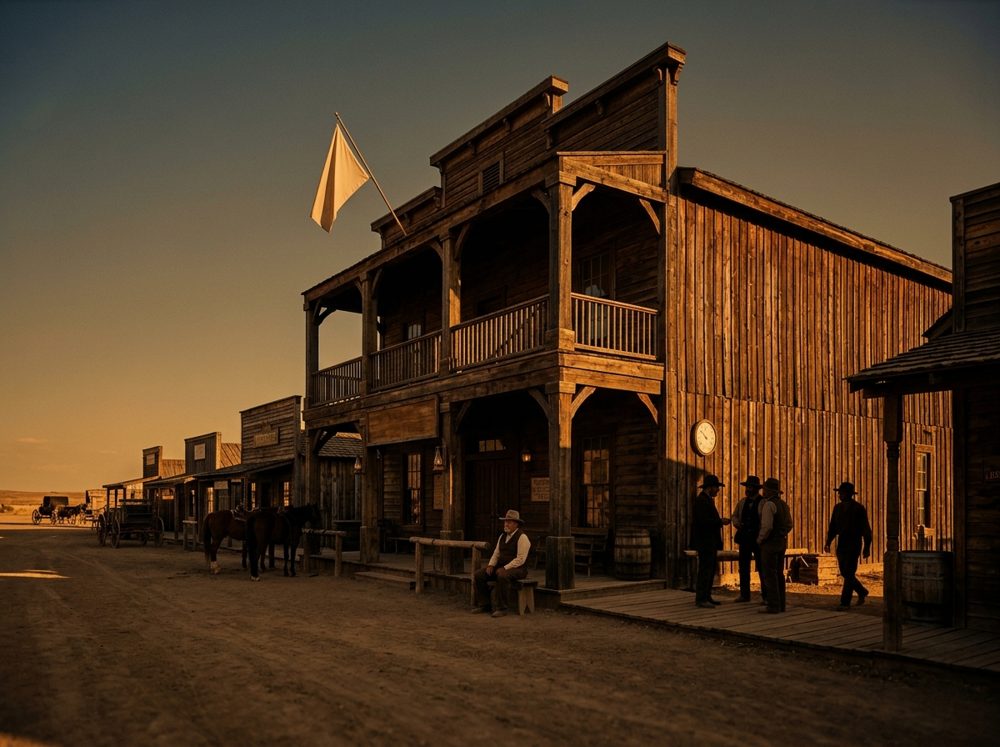
The admin post stays the same: the western style lives on the website and in the panels.

The admin post stays the same: the western style lives on the website and in the panels.

FAQ

Frequently asked questions

Hover over a question.

01Is the bot mandatory?+

No, but it saves you from assigning roles by hand.

02Can we keep our channels?+

Yes, you link the existing roles.

03How many roles?+

As many as there are ranks.

Move on to setup.

Free to start.