Staff
Ranks and log
The staff has its ranks, permissions and a log of decisions.

The panel for your SCUM server, connected with Discord: synced roles, announcements, applications and the staff log.
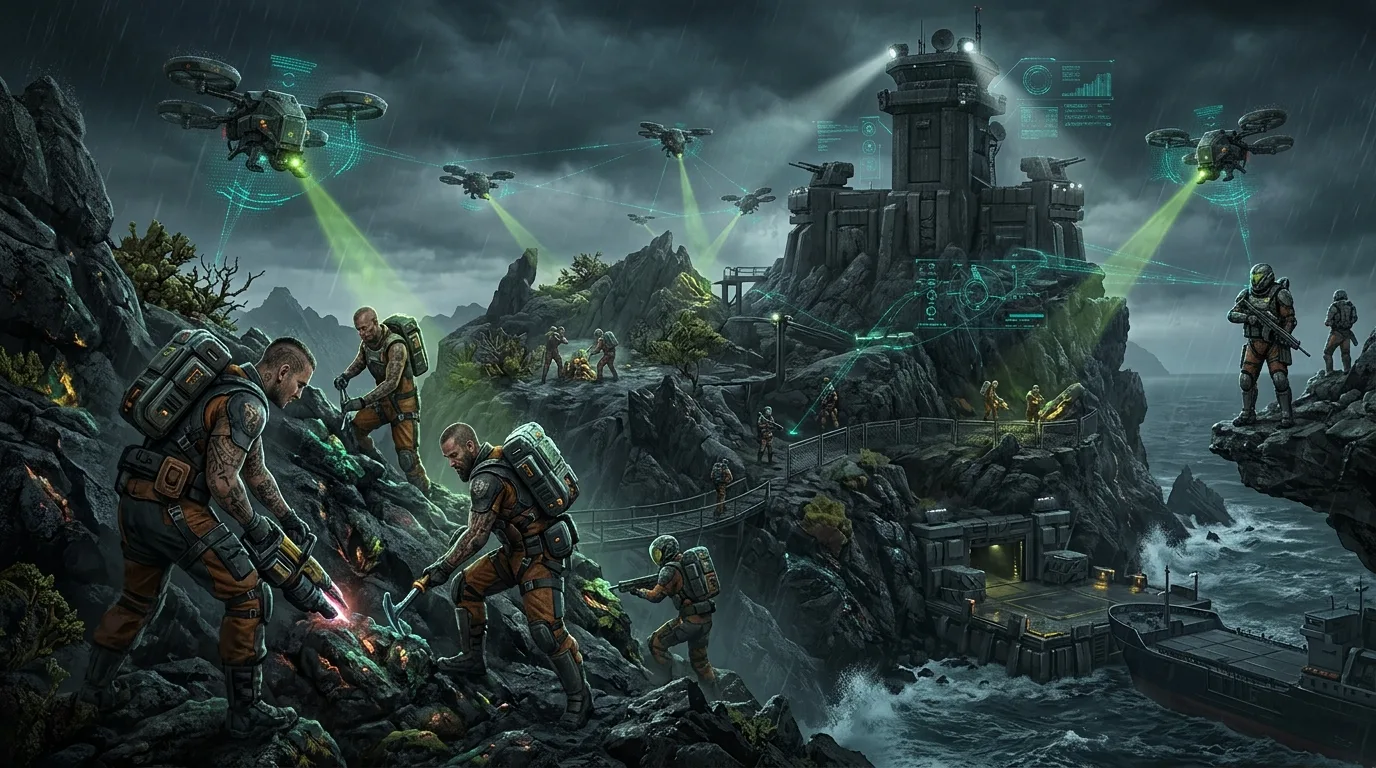
The staff has its ranks, permissions and a log of decisions.
Server events and rules are published on the website.
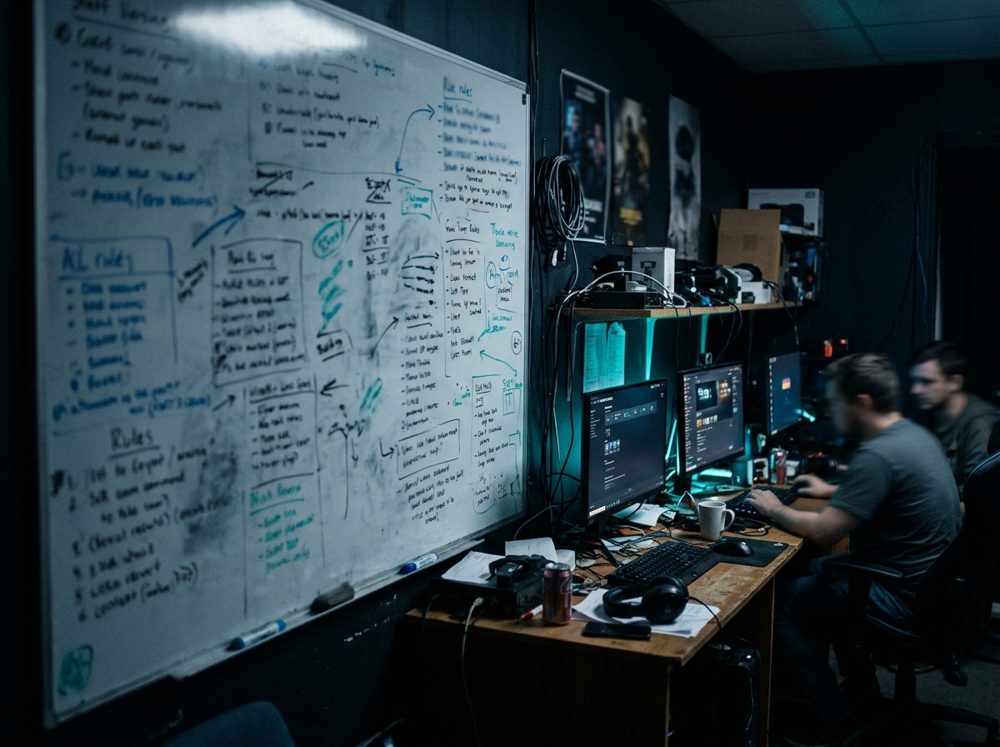
The public website follows your server’s identity.

You link each panel rank to a Discord role. A promotion updates the role with no manual step.

Publish an announcement on the website and in a Discord channel from the same page.

Each application arrives in the panel and notifies the staff channel.

For SCUM, panel ranks (players, groups, ranks and sanctions) are linked to Discord roles, and applications notify the staff channel. The SCUM theme is in the catalog; support depends on your server.
In four steps
Pick the game and the starting theme.
Ranks, permissions and the staff whitelist.
Link the technology to your server.
Your server’s public website goes live.
The SCUM theme is in the catalog; support depends on your server.
Not to get started: the panel works on its own. The game bridge, the API or database sync are optional and can be connected later.
Yes, the website theme can be changed whenever you want.
For SCUM, panel ranks (players, groups, ranks and sanctions) are linked to Discord roles, and applications notify the staff channel.
With another technology
The same panel for another game
Create your panel and connect your server whenever you want.
Create my panel